Themes and Screen Customization
Set up Inventory Pro so buyers, warehouse staff, and managers each see the fields, layouts, and colors that fit their daily work.
Theme Options for Daily Work
InventoryPro includes three built-in themes so teams can choose a look that is comfortable for long shifts. A dark screen may work better on the warehouse floor, while office staff may prefer medium or light views for reporting and data entry.
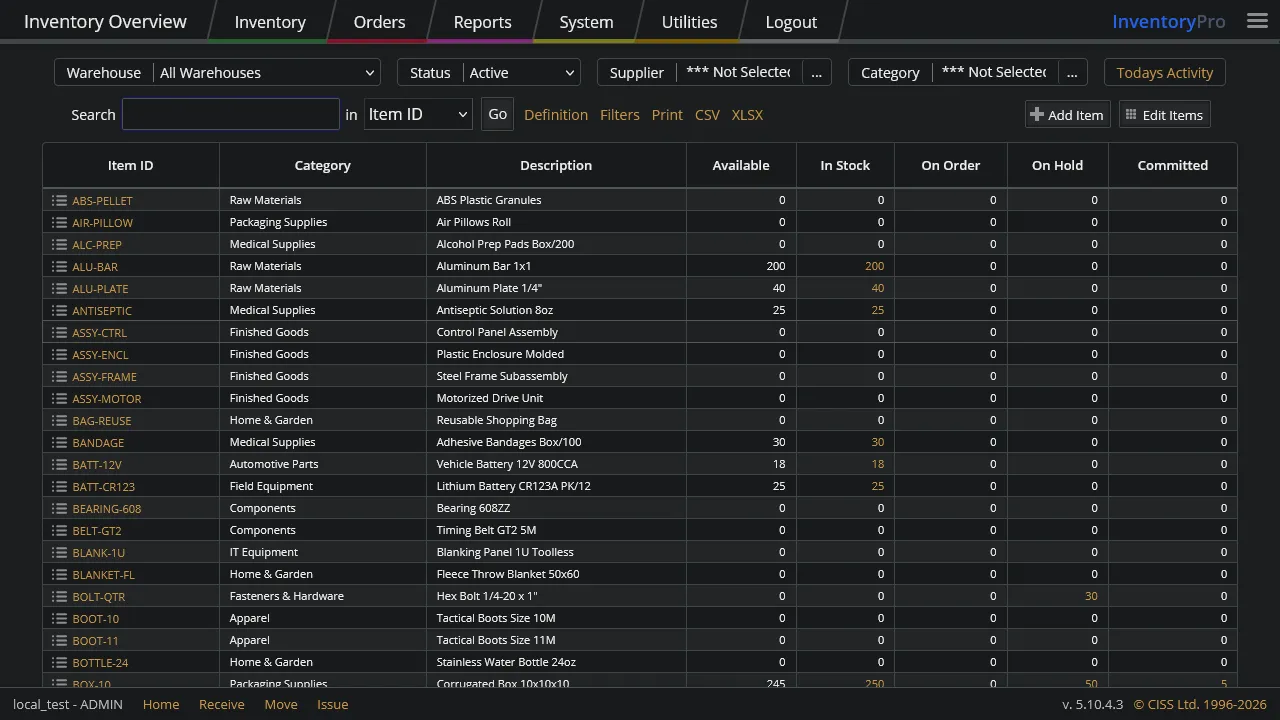
Dark
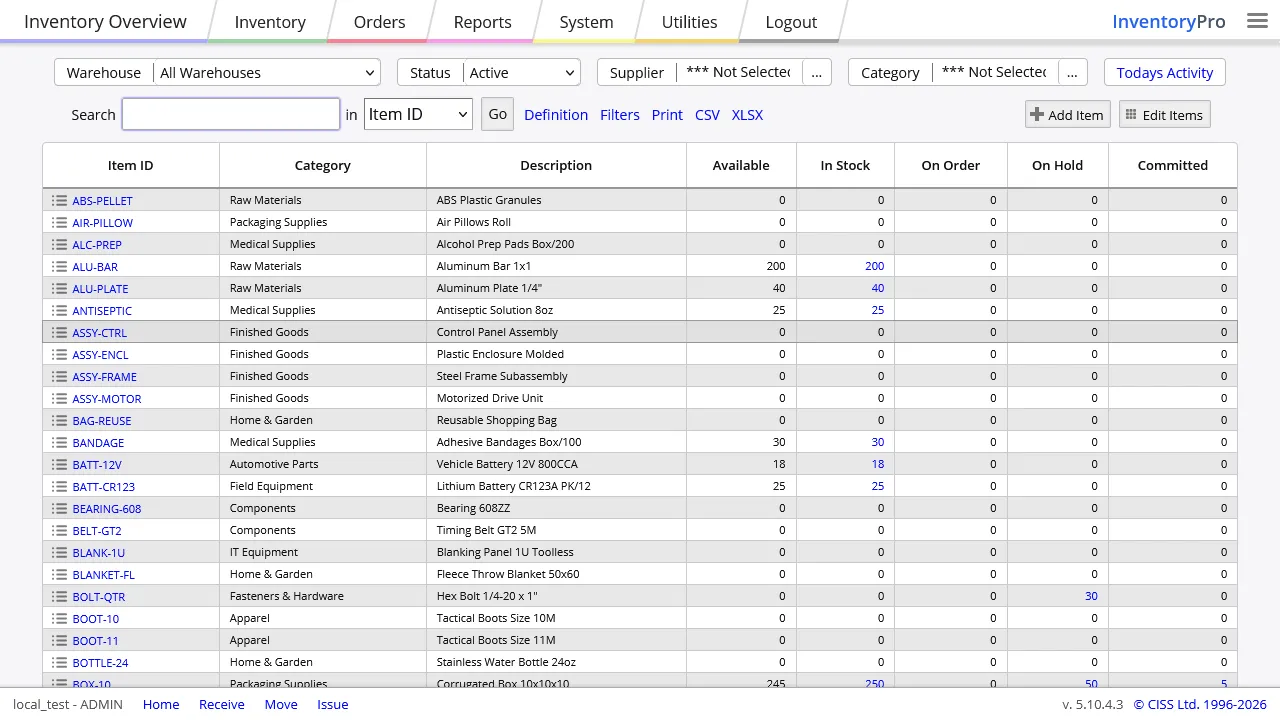
Medium
Light
Users keep their theme choice between sessions, so each person can return to the same setup without resetting the interface every day.
Per-User Grid Layouts
List views do not have to look the same for every job. Buyers can keep pricing and supplier columns in view, while warehouse users can focus on locations, quantities, lots, and status.
- Show or hide columns by role or by user choice
- Drag columns into a better order and resize them as needed
- Save personal layouts without changing another team member's screen
- Reset back to the shared default at any time
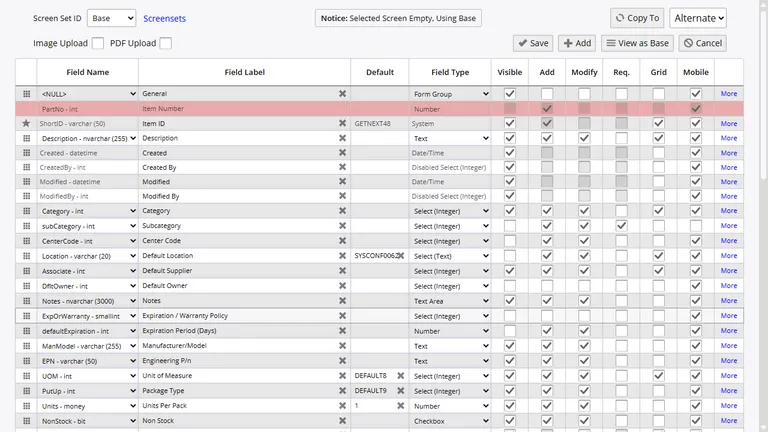
Custom Fields and Entry Screens
Admins decide what appears on each data entry screen. Fields can be shown or hidden, set as required, or locked down as read only. That keeps each screen focused on the data your team actually needs to capture.
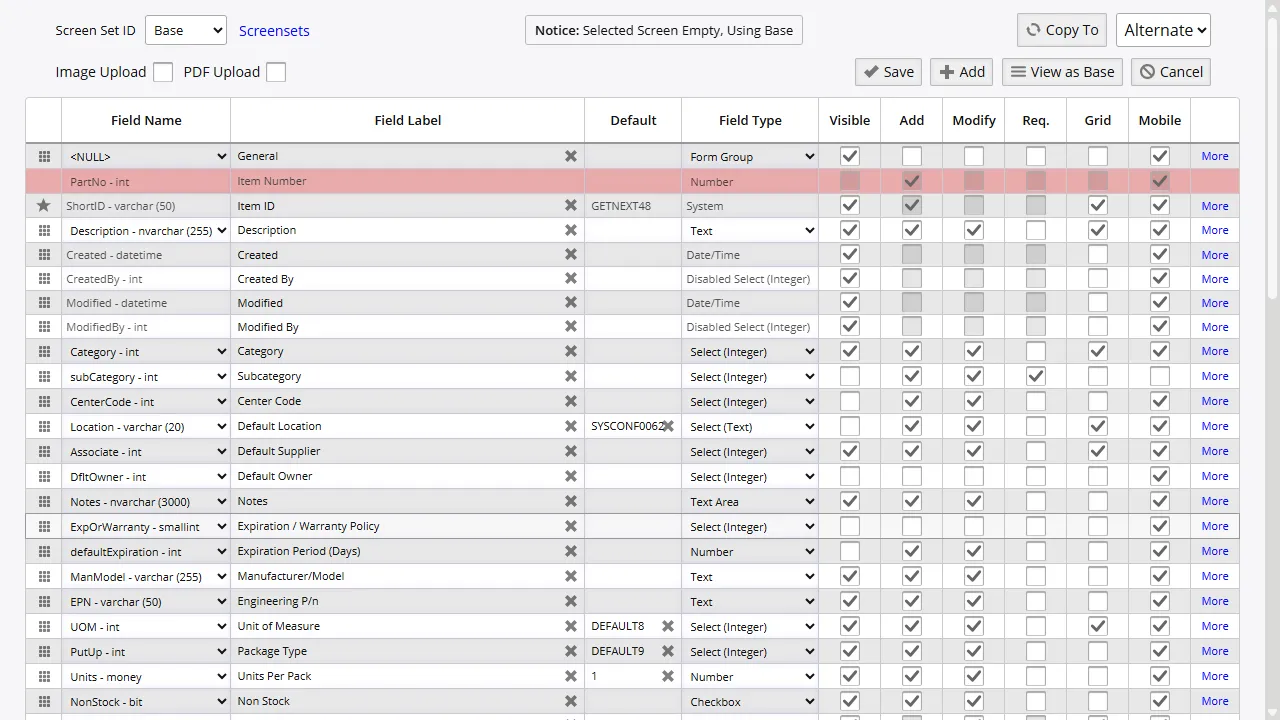
Show Only Needed Fields
Trim screens down so warehouse staff are not scrolling past fields they never use.
Add Extra Data Points
Store spare text, number, date, or dropdown values on items, orders, and assets.
Shared Defaults
Publish default layouts for a team, then let users keep or override them as needed.
Reports, Labels, and Saved Views
Report columns, filter defaults, sort order, and grid formats can all be adjusted so managers get the view they need without rebuilding the same report each time.
Label layouts, barcode formats, and document output can also be set up to match the paperwork and scanning process your warehouse already uses.
Set Up Screens That Fit Your Team
Start with the built-in layouts, then shape Inventory Pro around the way your buyers, warehouse staff, and managers already work.