EDI X12 for Order Exchange
Move customer and partner orders into Inventory Pro without re-keying them by hand.
X12 Documents for Warehouse Work
InventoryPro can process the X12 documents warehouse teams see most often, including 850 purchase orders and 940 warehouse shipping orders. If a trading partner uses another transaction set, it can be mapped during setup.
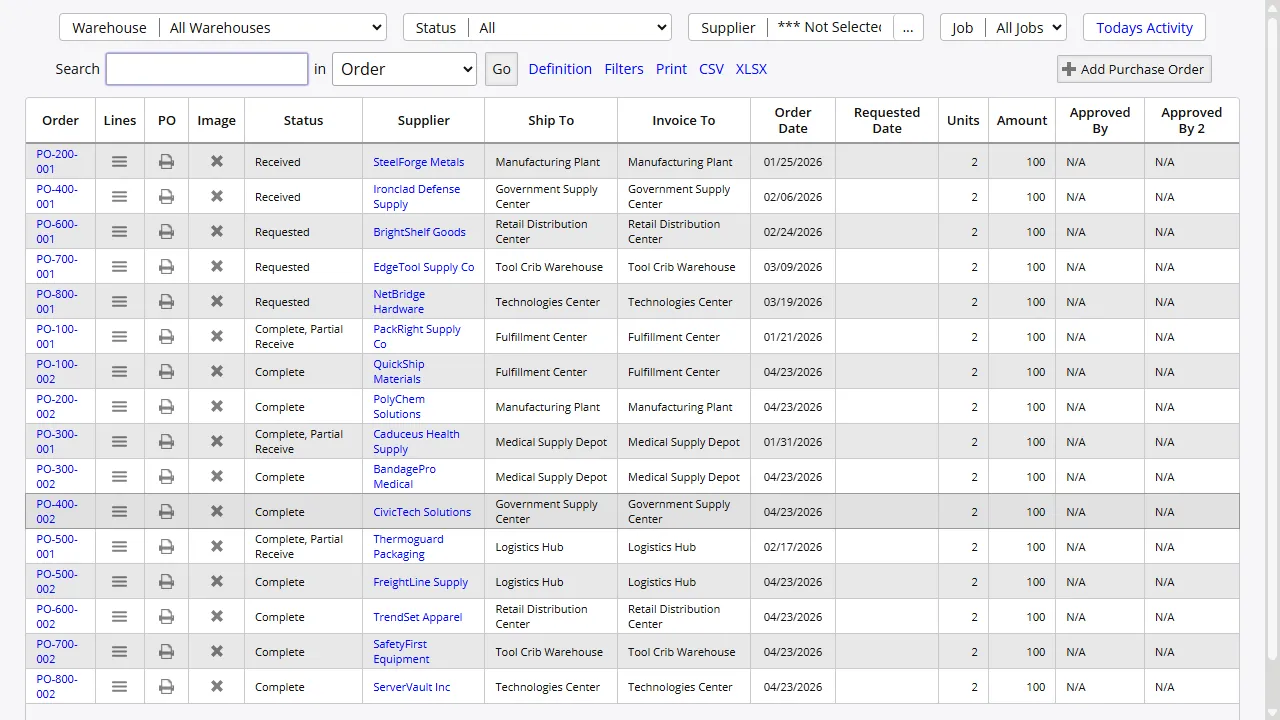
Once the file is received, Inventory Pro validates the message and turns it into a normal order record. Your warehouse team sees familiar orders and line items, not raw EDI data.
File Delivery Your Partners Already Use
The EDI service watches configured folders for inbound files and places outbound files where your partner expects them. That makes it practical to work with AS2, FTP, SFTP, VAN, or shared path delivery methods without rebuilding the order logic for each partner.
If one partner sends proper X12 and another sends a spreadsheet, both can still be handled. Each connection is configured on its own, so adding a new partner does not disturb the ones already in production.
Trading Partner Setup
A new partner setup usually means mapping the document, agreeing on delivery, and testing the full file flow. We handle that work with your partner's technical team so the order data lands in the right fields before anyone relies on it day to day.
Past mappings and validation rules give new partner setups a strong starting point, but each connection is still tuned to the way that partner actually sends files.
Automatic Import and Export Cycles
After setup, the service can watch for new files on a schedule, validate them, and create the matching Inventory Pro records without someone opening a spreadsheet first.
Files that fail validation are flagged for review while good files continue through the queue. That keeps one bad document from holding up the full batch.
Connect Trading Partners Without Re-Keying Orders
Bring partner orders straight into your cloud WMS and let your team work from clean, validated order records instead of manual entry.